
🤝 Permission and Sharing
Permission levels
There are 3 types of permission levels for a project:
| Role | Capabilities |
|---|---|
| Admin | Can edit the project and access |
| Collaborator | Can edit the project |
| Viewer | Can only view dashboard |
Project visibility
There are two types of visibility for a project, Public access or Private.
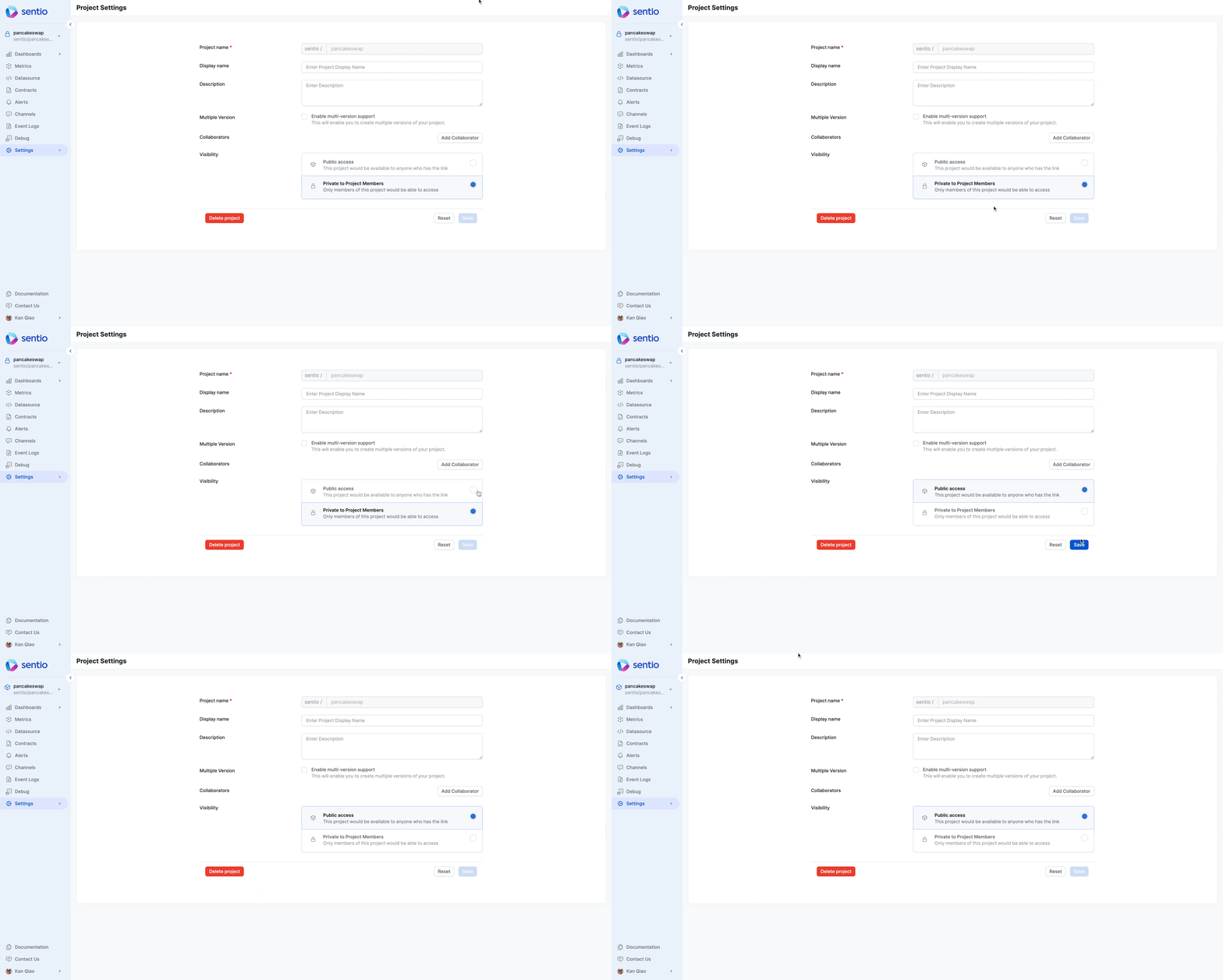
Public access means everyone, including guest visitors who have not signed up, will have Viewer access to the dashboard of the project. This setting is typically used when you want to share the dashboards you created publicly via social media or blogs.
You can share the dashboard with the public by simply copying and pasting the URL of the dashboard
Private access means only Admin and Collaborator can edit and view the project.
Collaborators
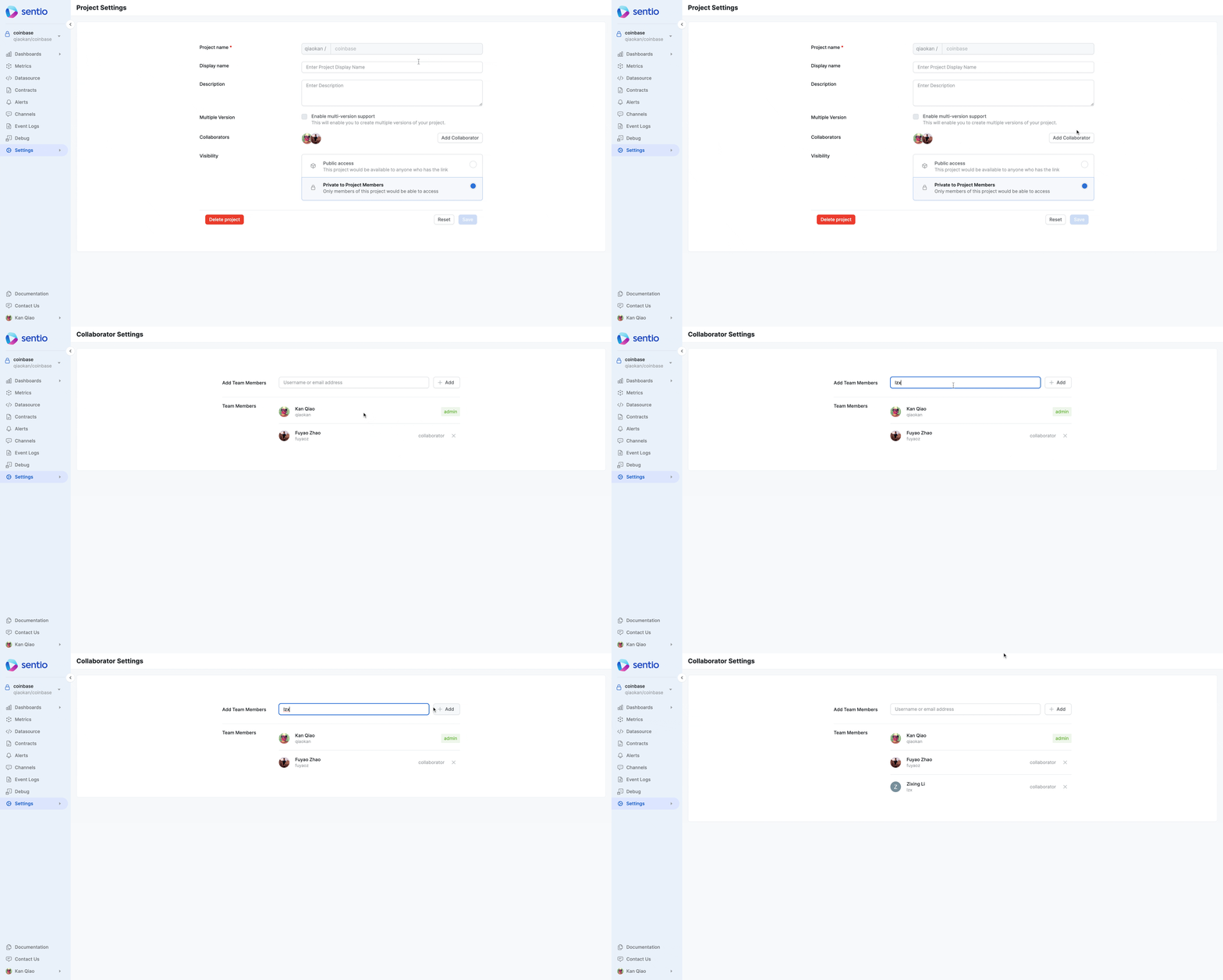
You can add Collaborators to your project in the Collaborators sub tab by adding either their email or username. Once a user is added as a collaborator, the shared project will also appear in their project selector.
Updated 7 months ago