
🔒 Billing and Limits
Billing
Sentio measures usage in Sentio Units (SU) and issues bills at the end of each month.
The USD price per SU depends on your plan.
Billing Rules
- All processor usage is billed to the project owner.
- All API usage is billed to the API caller (identified by API key).
Free Usage
The following incur no charges:
- Usage from the Sentio UI.
- Usage from the processor in backfill stage
If a bill remains unpaid for one month, the service will be automatically suspended.
Sentio Units
Inside Processor
| Activity | Cost (Sentio Units) |
|---|---|
| Each new data point in watching stage (metrics, event-logs, entities)¹ | 4,000 |
| Each Webhook trigger in watching stage | 1,000 |
| Each node RPC request in watching stage, with a few exceptions² | 20 |
Outside Processor
Notes
-
Updates or deletes of entities do not count as new points and cost 0 SU.
-
Data API per call cost for different query engine (Medium, Large, Ultra require a paid plan.)
Engine Size Description Cost (Sentio Units) Small Basic performance, minimal resources 1,000 Medium Balanced performance and resources 1,250 Large High performance with faster speed and more resources 1,500 Ultra Maximum resources, top-tier performance 2,000 -
RPC call exceptions:
•net_version,eth_chainId,eth_syncing,eth_protocolVersion,net_listening,web3_*→ 0 SU
Multi-Version Usage
If multi-version is enabled (e.g. versions X and Y, with X being the new one):
- Backfill for all versions is free.
- Once X enters Watching, usage for both X and Y is charged until you switch the active version to X.
- Abandoning a version stops its usage from being counted.
Payment Methods
You can manage payment details from Billing under your profile or organization account.
Sentio supports auto pay, invoice-based payments, and prepaid credits.
Auto pay
Credit card auto-pay. Add a card to your account. Sentio charges the saved card automatically through Stripe when invoices are due.
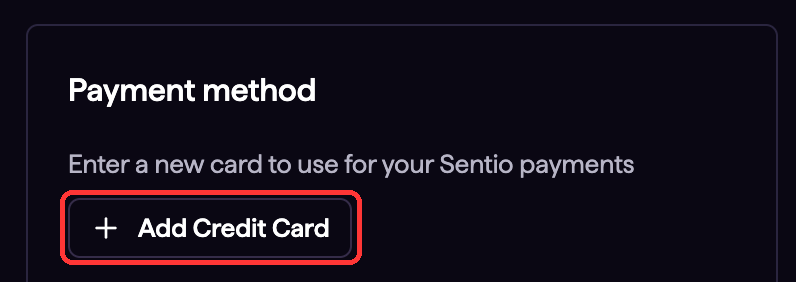
Add a credit card from Billing.
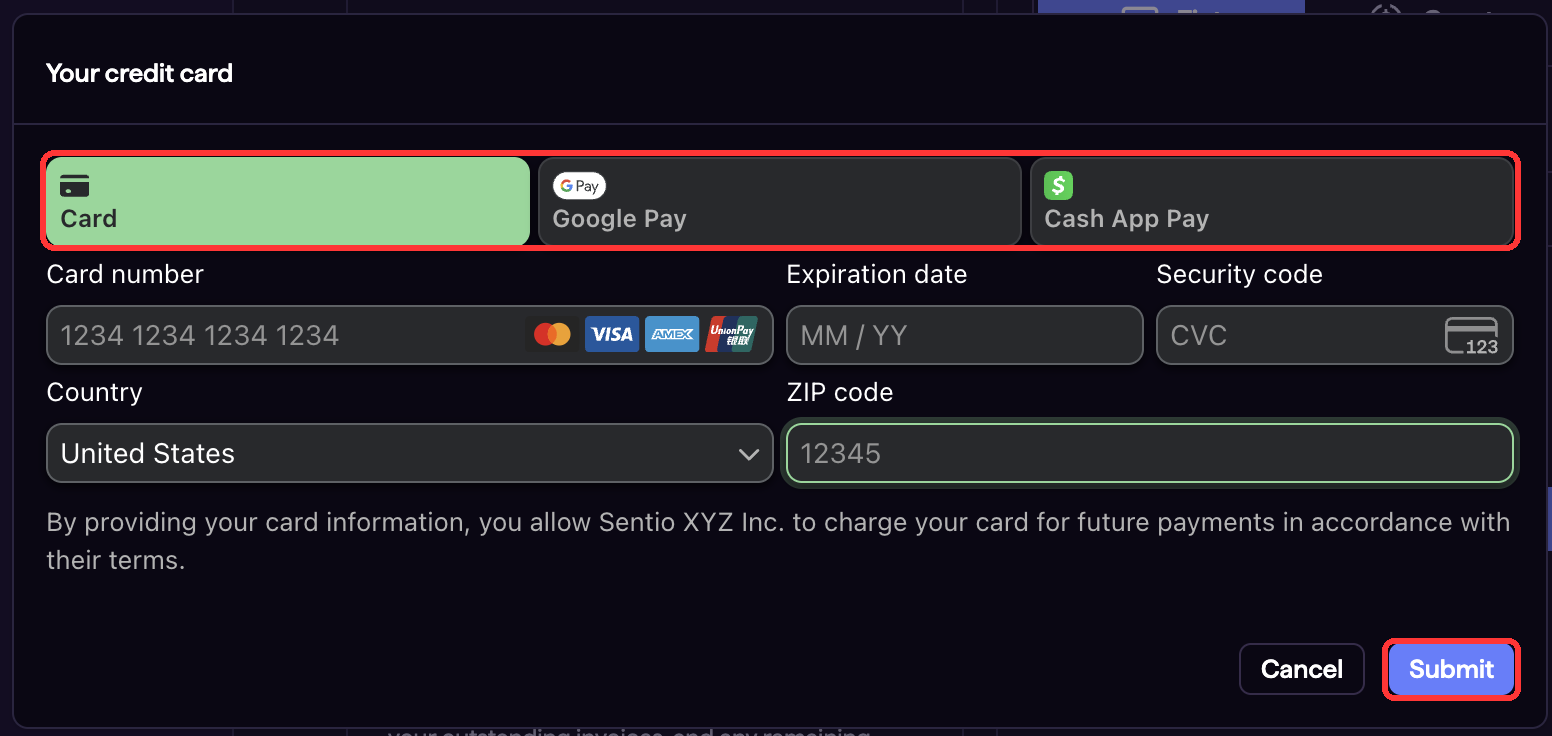
Enter card details in the secure payment form.
Pay by invoice
If you do not use auto pay, Sentio sends an invoice to the billing email on the account. The invoice view includes hosted payment buttons and manual crypto transfer details.
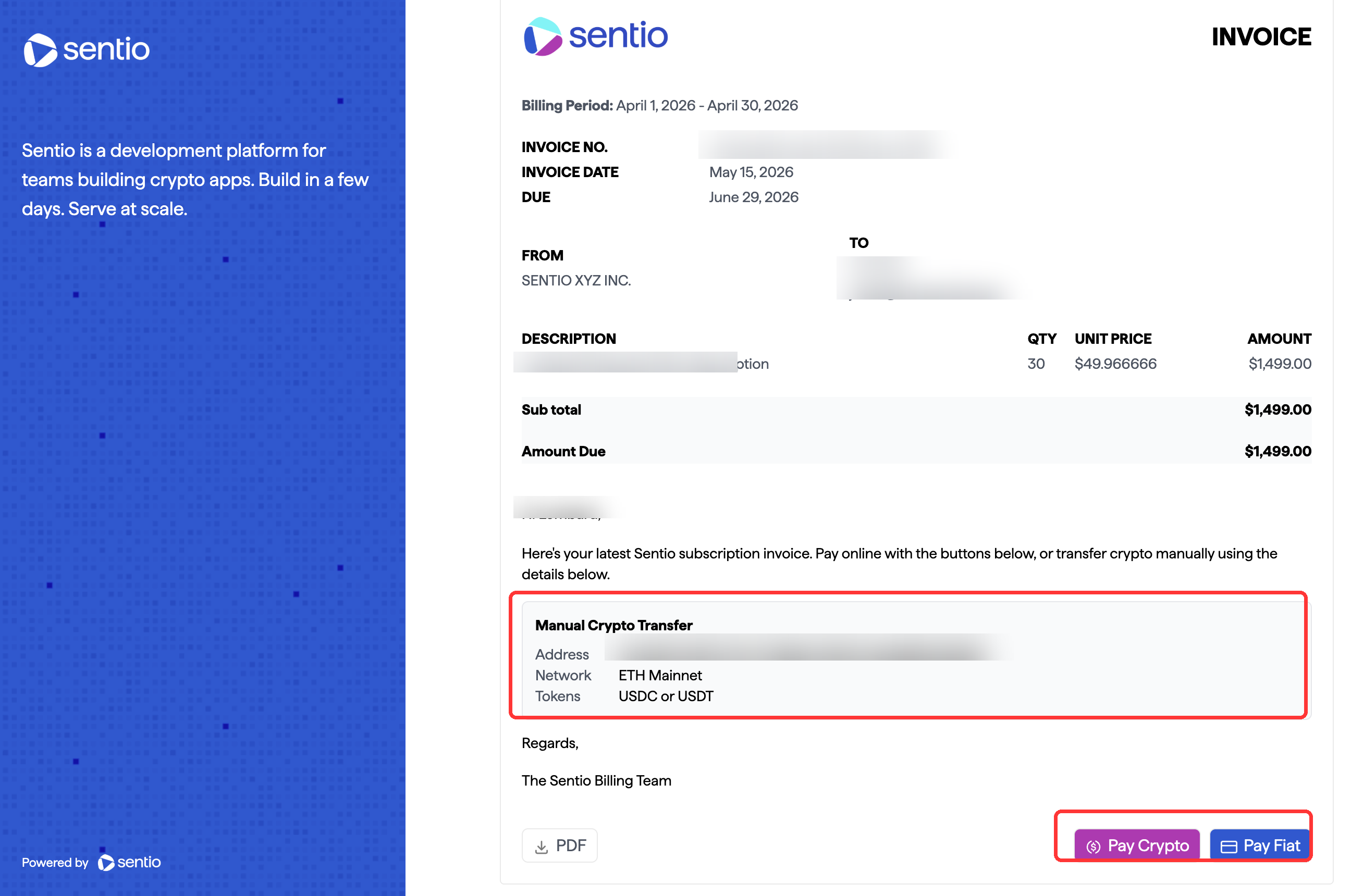
Invoices include Pay Crypto, Pay Fiat, and manual crypto transfer details.
Pay Fiat
Use the Pay Fiat button on the invoice to pay through the hosted fiat checkout flow.
Pay Crypto (Request Finance)
Use the Pay Crypto button on the invoice when you want a hosted crypto checkout flow for a specific invoice.
Manual Crypto Transfer
Sentio generates a unique crypto payment address for each billing account. Use manual transfer when you want to send funds directly, such as withdrawing from a centralized exchange, without going through the Request Finance checkout flow.
- Copy the account's crypto payment address from Billing or from the invoice's Manual Crypto Transfer section.
- Send USDC or USDT to that address on Ethereum Mainnet.
- Sentio verifies the on-chain transfer and credits the payment to your account balance.
- Outstanding invoices are paid from that balance first. Any remaining amount stays in your balance for future invoices.
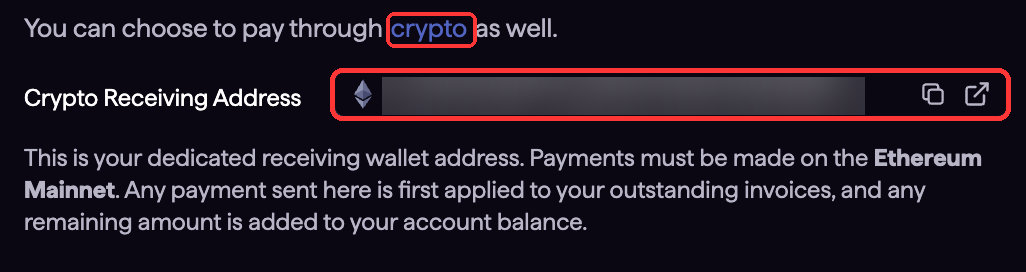
The Billing page shows the account-specific Crypto Receiving Address.
Prepaid credits
Buy credits from the Billing page with fiat or crypto checkout. Credits are added to the account balance and can be applied to future invoices.
Limits
- Number of Series per Processor: max 10,000.
- Free Tier Projects: up to 3 projects.
- Free Tier Alerts: up to 3 alerts.
Updated 3 months ago